A business card may look small, but it carries a big responsibility. It introduces you when you are not in the room. It reminds people of your name after a meeting. It gives a potential client a simple way to contact you when they are ready to take the next step.
For many small business owners, freelancers, consultants, designers, real estate agents, salon owners, and startup founders, a business card is often the first physical touchpoint of the brand. That first impression matters. A clean, professional, and well-designed card can make your business look more trustworthy, even before the client visits your website or calls you.
That is why these free business card templates are created to be more than just attractive designs. They are ready to customize, print-ready, and built with a proper design structure, so you can quickly add your details and create a professional business card without starting from scratch.
In this article, you will learn how to choose the right business card template, what details to include, what mistakes to avoid, and how a simple visiting card can even help you generate better business leads.
1. Why Business Cards Are Important for Businesses
A business card is not just a piece of paper with your phone number on it. It is a small brand introduction. When you meet someone at an event, office, shop, client meeting, exhibition, or networking space, your card gives them something real to remember you by.
Many people think business cards are old-fashioned because everything is digital now. But in real business situations, a physical card still feels personal. When you hand over a well-designed card, it creates a small moment of connection. The person can see your name, brand, service, and contact details in one place.
For a small business, this can be powerful. A good business card can make your brand feel more established, even if you are just starting. It shows that you care about presentation. It also makes it easier for people to contact you later instead of searching through messages, calls, or social media.
A common mistake many new businesses make is treating the business card as an afterthought. They add too much text, use random colors, or create a design that does not match their brand. But when the card is designed with clarity, spacing, and proper hierarchy, it becomes a simple but effective branding tool.
Key Highlights:
- A business card helps create a professional first impression.
- It makes your contact details easy to remember and access.
- It supports trust, especially for small businesses and freelancers.
- A well-designed card can make your brand look more polished and reliable.
2. How Business Cards Help You Create a Strong First Impression
Think about the moment you give your business card to someone. They do not read every detail immediately. First, they notice the overall design. Then they see your logo, name, profession, and contact details. Within a few seconds, they form an opinion about your business.
That opinion may be simple, but it matters. A clean card can make you look organized. A bold card can make your brand look confident. A luxury-style card can make your service feel premium. A creative card can show personality before you even explain your work.
This is why business card design should not be treated only as decoration. Every element has a role. The font should be readable. The colors should match your business personality. The spacing should give breathing room. The most important details should be easy to find.
From a reader’s perspective, the best business card is not always the most stylish one. It is the one that communicates clearly. If a potential client can understand who you are, what you do, and how to contact you within a few seconds, your card is doing its job.
Key Highlights:
- People form an impression within seconds of seeing your card.
- Design style should match your business personality.
- Clear information is more important than over-decoration.
- A strong first impression can make follow-up conversations easier.
3. How to choose a perfect Business Card design that matches your business
A good business card template should save your time, not create more confusion. When you download a template, it should already have a proper layout, safe spacing, readable font sizes, and a print-ready structure. You should only need to replace the sample content with your own business details.
The best templates are also easy to customize. You should be able to change the name, job title, phone number, email, website, logo, colors, and font style without damaging the overall design. This is especially important if you are not a professional designer.
Another important thing to check is whether the template is print-ready. A business card may look nice on screen, but printing is different. If the size, margin, bleed, resolution, or color mode is wrong, your final printed card may have cut-off text, blurry details, or poor color output.
That is why these templates are created with professional print settings. They come in standard business card size, include bleed area, use CMYK color mode, and are prepared at 300 DPI resolution. This helps you move from editing to printing with more confidence.
Key Highlights:
- Choose templates that are editable, clean, and easy to update.
- Look for proper margins, bleed, and safe zones.
- Make sure the design has a clear text hierarchy.
- Print-ready templates help avoid common printing problems.
4. 30 Free Business Card Templates You Can Customize
Choosing the right business card design becomes easier when you can see different styles side by side. Every business has its own personality. A corporate consultant may need a clean and professional card, while a photographer, salon owner, designer, or café brand may need something more visual and expressive.
That is why we have arranged these 30 free business card templates into 15 simple categories. Each category includes two ready-to-customize designs, so you can quickly compare the look, feel, and purpose of each template before choosing the one that fits your brand.
1. Minimal Business Card Templates
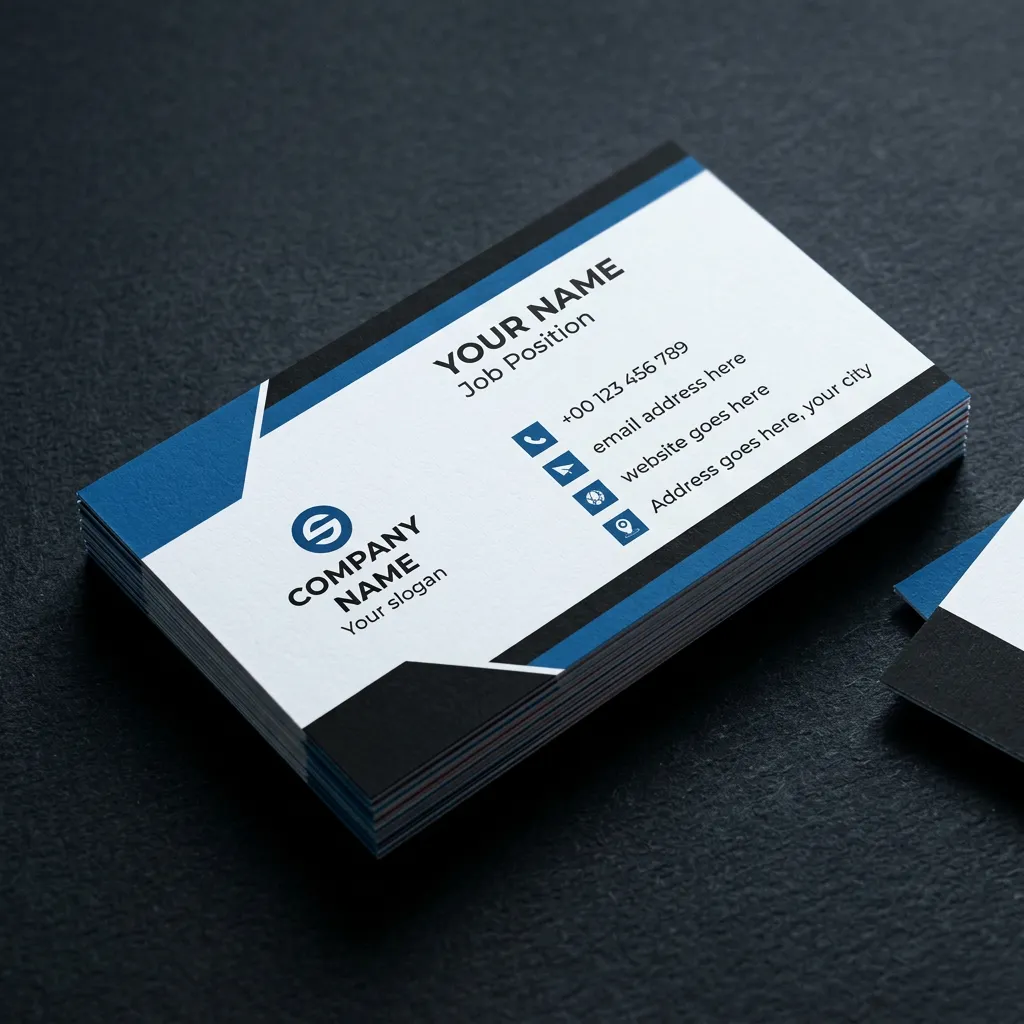
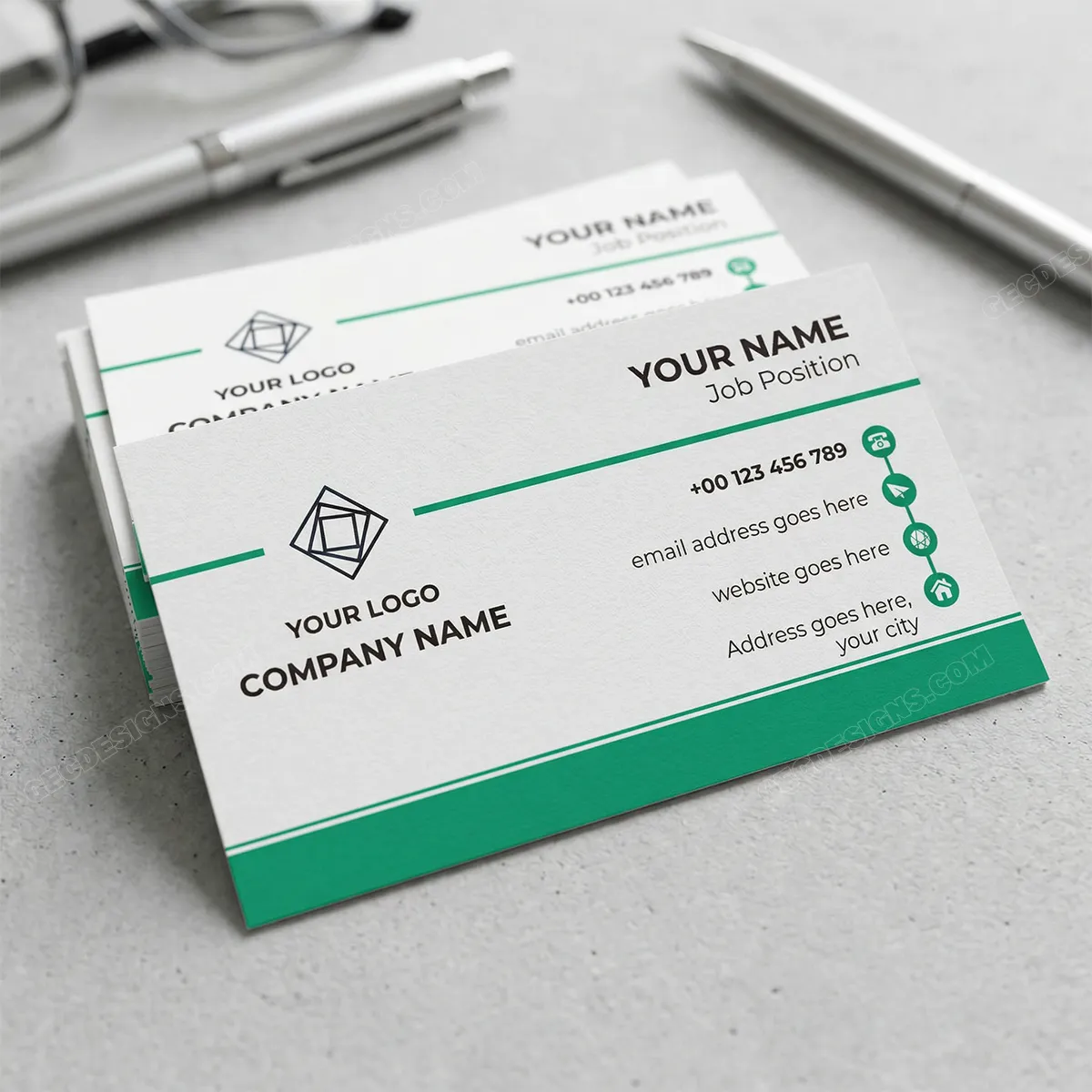
Minimal business card templates are perfect when you want your brand to look clean, calm, and professional without using too many decorative elements. These two designs use a simple white background with strong spacing, clear typography, and small color accents to guide the viewer’s eye naturally.
The first template has a bold blue and black geometric layout that gives the card a modern corporate feel while still keeping the content easy to read. The second template feels even lighter, with a clean green accent line and enough white space to make the name, logo, and contact details stand out clearly.
This type of business card works very well for consultants, freelancers, coaches, accountants, IT professionals, startup founders, service providers, and small business owners who want a simple but trustworthy brand image. If your goal is to look professional, organized, and easy to contact, a minimal card is always a safe and effective choice.
These templates are also useful for businesses that do not want their card to feel too loud or crowded. The clean layout gives enough room for your logo, name, job title, phone number, email, website, and address without making the design feel heavy. For many businesses, this kind of simple presentation creates more confidence than an overly designed card.
Best suited for: consultants, freelancers, corporate professionals, coaches, IT service providers, accountants, agencies, and small business owners.
2. Modern Corporate Business Card Templates
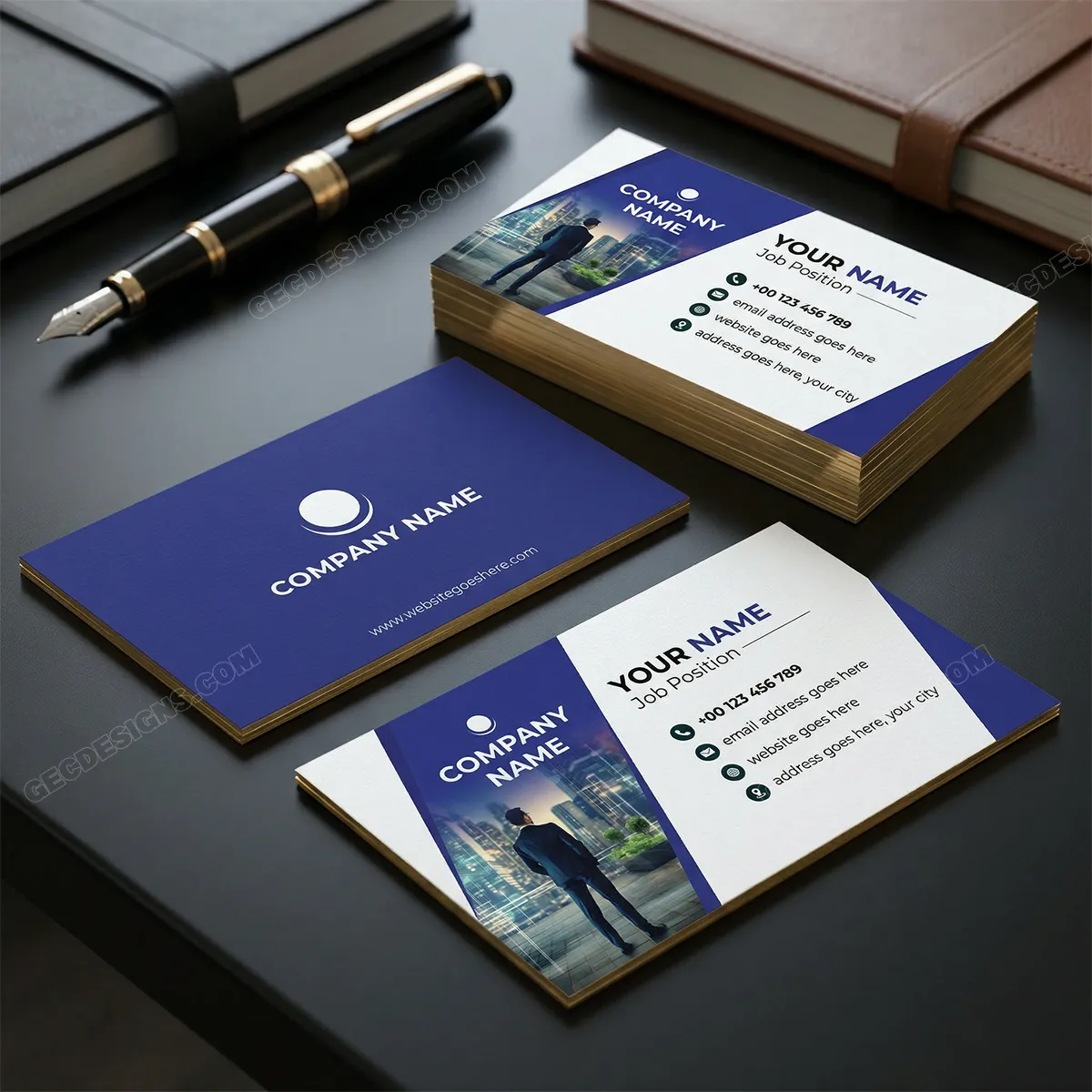
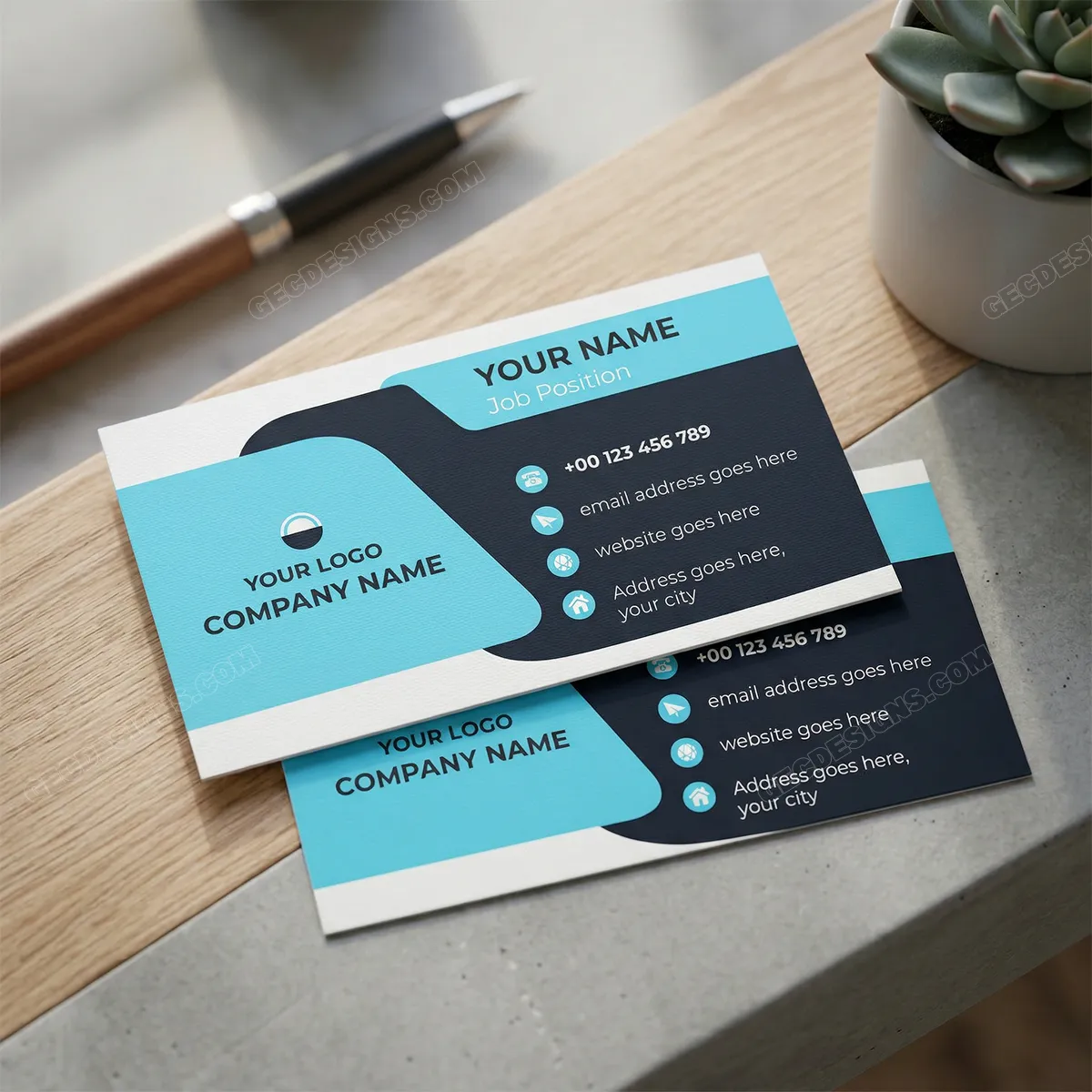
Modern corporate business card templates are a good choice when you want your brand to feel confident, established, and professional. These designs use bold shapes, strong contrast, clean typography, and structured contact sections to create a serious business impression without making the card look too complicated.
The first template has a strong corporate look with its deep blue layout, angled design section, and professional image area. It gives the card a business-focused feel, making it suitable for people who want to present themselves as reliable, ambitious, and client-ready. The second template uses a bold blue and dark layout with rounded geometric shapes, giving it a more modern and technology-friendly appearance.
These templates work especially well for corporate professionals, business consultants, agencies, finance companies, IT firms, startup teams, marketing professionals, and service-based businesses. If your work involves client meetings, presentations, proposals, or professional networking, this type of card helps you create a strong and polished impression.
A modern corporate card should feel organized and easy to read. These designs keep the company name, logo, personal name, job title, and contact details in clear sections, so the receiver can quickly understand who you are and how to reach you. That clarity is very important in business settings because people often collect many cards, and the cleanest, most professional ones are usually easier to remember.
Best suited for: corporate professionals, consultants, agencies, IT companies, finance services, marketing firms, startups, and business service providers.
3. Creative Business Card Templates


Creative business card templates are best when you want your card to feel different, memorable, and visually interesting. These designs use stronger shapes, darker backgrounds, rounded layouts, gradient effects, QR code space, and more expressive formatting, so they feel less traditional and more brand-focused.
The first design gives a modern, creative feel with layered blue shapes and a clear QR code area, making it useful for professionals who want to connect their card with a website, portfolio, or online profile. The second design stands out with its rounded card style, dark background, and vertical layout approach, which makes it a good choice for brands that want something more unique than a standard horizontal business card.
Best suited for: graphic designers, creative agencies, photographers, artists, digital marketers, content creators, portfolio-based professionals, and modern service brands.
4. Luxury Business Card Templates
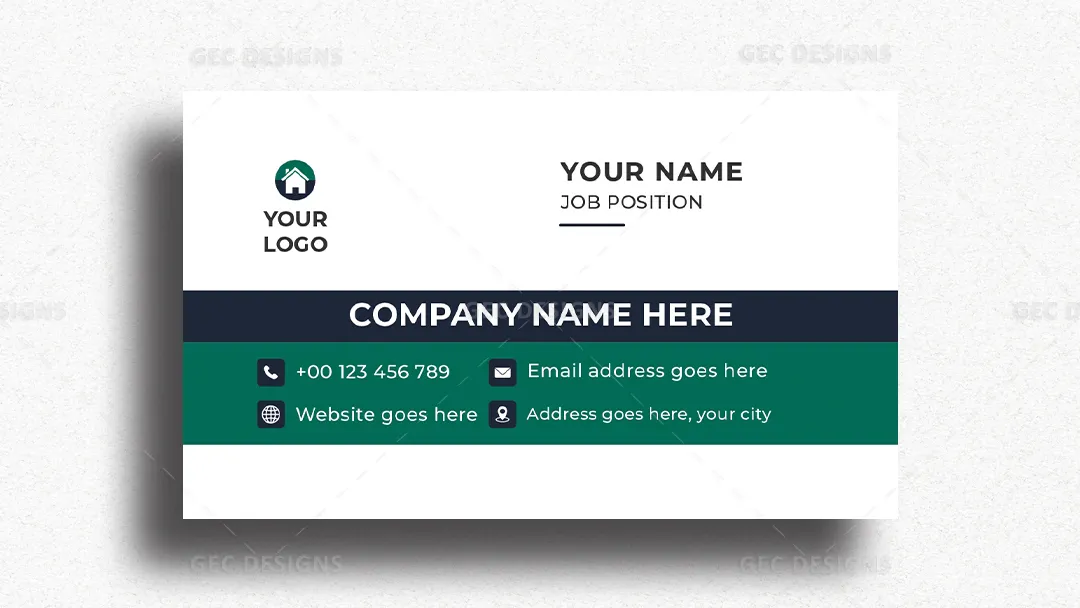
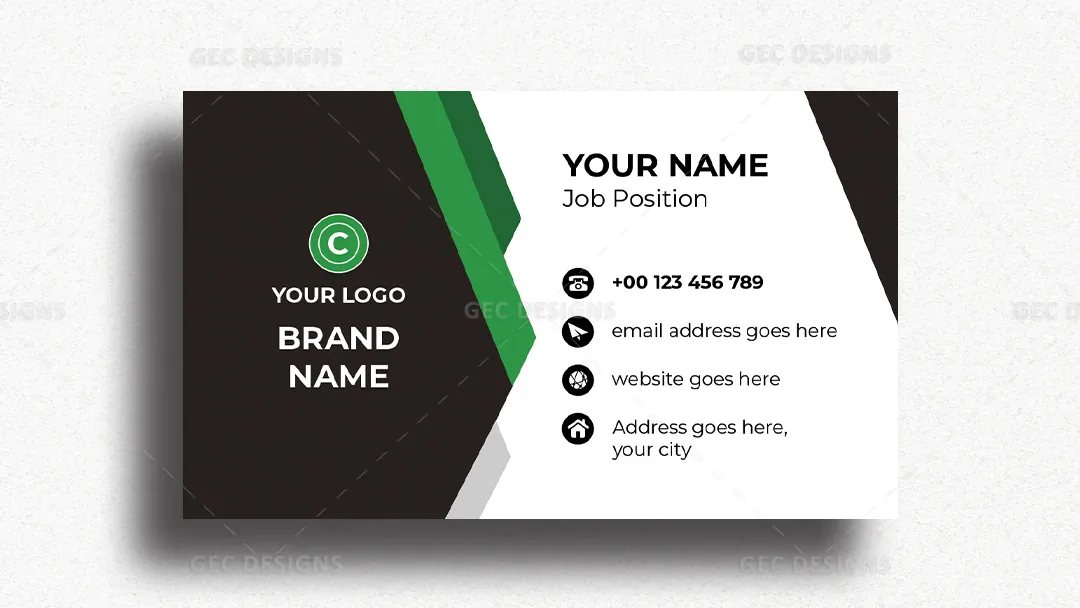
Luxury business card templates are ideal when you want your brand to feel premium, confident, and well-established. These designs use strong contrast, bold spacing, dark accents, and clean typography to create a polished look that feels more high-end than a basic business card.
The first template keeps the layout simple but elegant, with a deep green section and strong horizontal structure that makes the company name and contact details easy to notice. The second template uses a bold black-and-green layout with sharp geometric shapes, giving the card a more premium and powerful brand personality.
Best suited for: luxury brands, real estate professionals, consultants, fashion businesses, premium salons, interior designers, architects, event planners, and high-end service providers.
5. Real Estate Business Card Templates
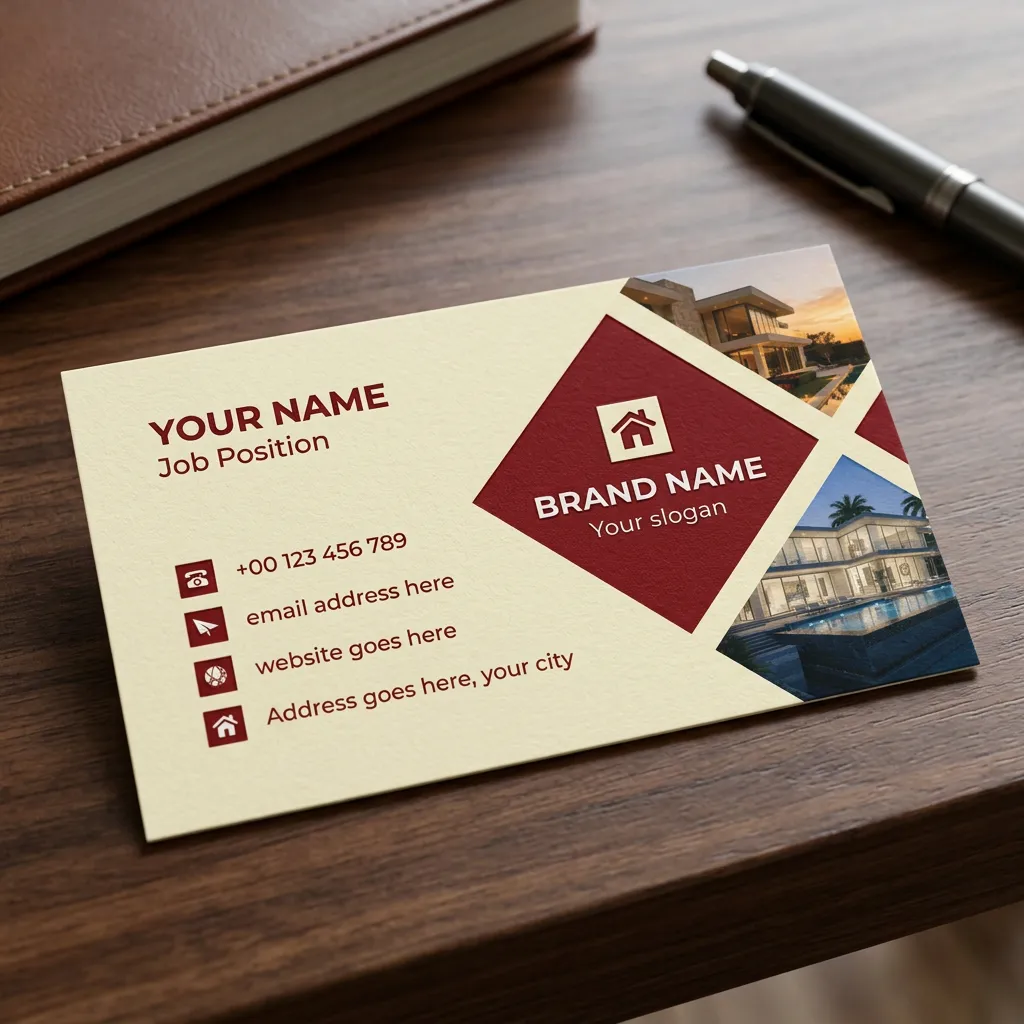
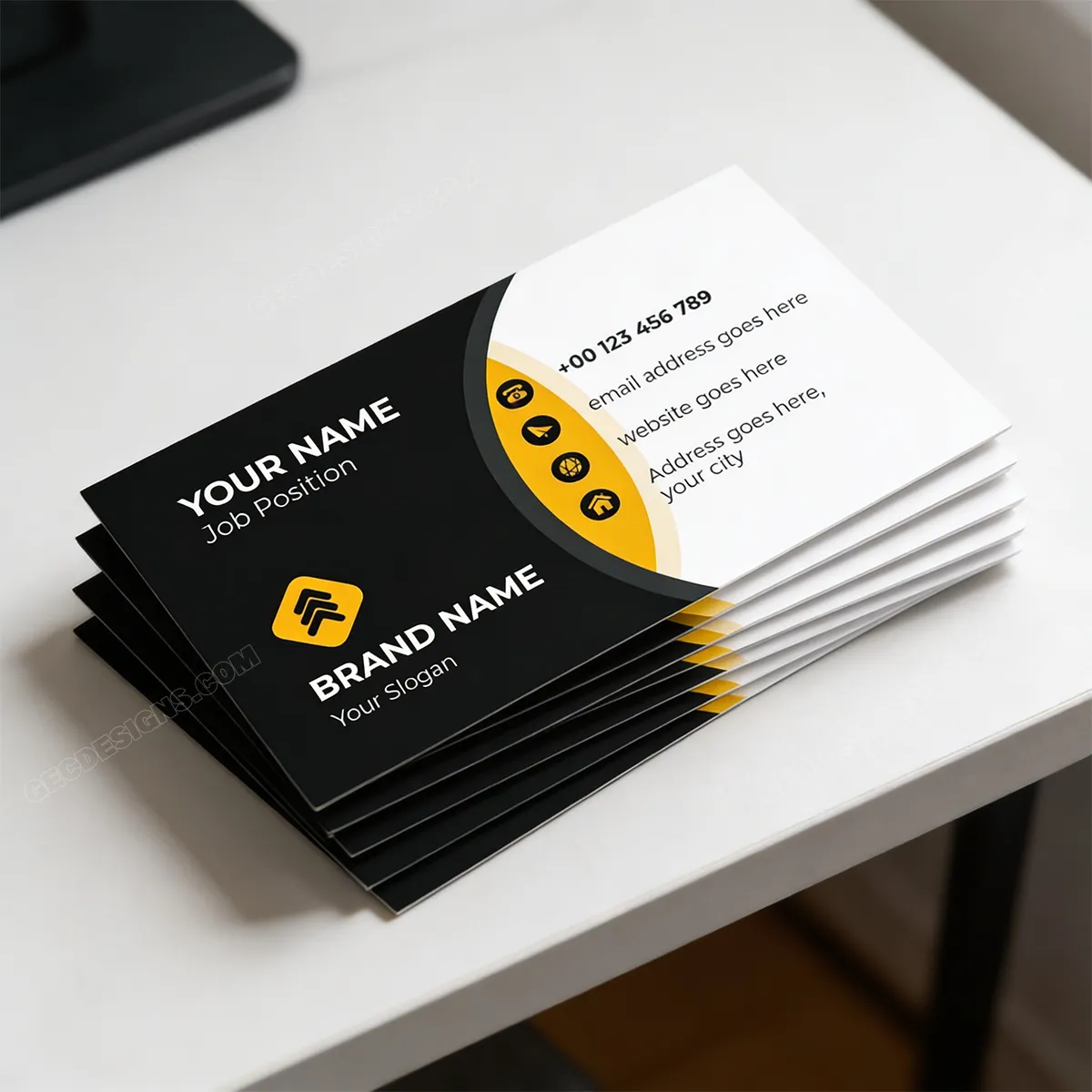
Real estate business card templates should feel professional, trustworthy, and easy to connect with. These designs use property-focused visuals, strong brand areas, clear contact details, and bold color blocks, making them suitable for professionals who need to create confidence quickly with buyers, sellers, investors, or property clients.
The first template uses home imagery and a warm red layout, which makes it a strong choice for real estate agents, builders, and property consultants who want to highlight premium properties. The second template has a bold black-and-yellow look with a clean contact section, giving the card a modern and confident style that works well for real estate professionals who want a sharper brand presence.
Best suited for: real estate agents, property consultants, builders, architects, construction companies, interior designers, rental agencies, and property investment advisors.
6. Beauty and Salon Business Card Templates
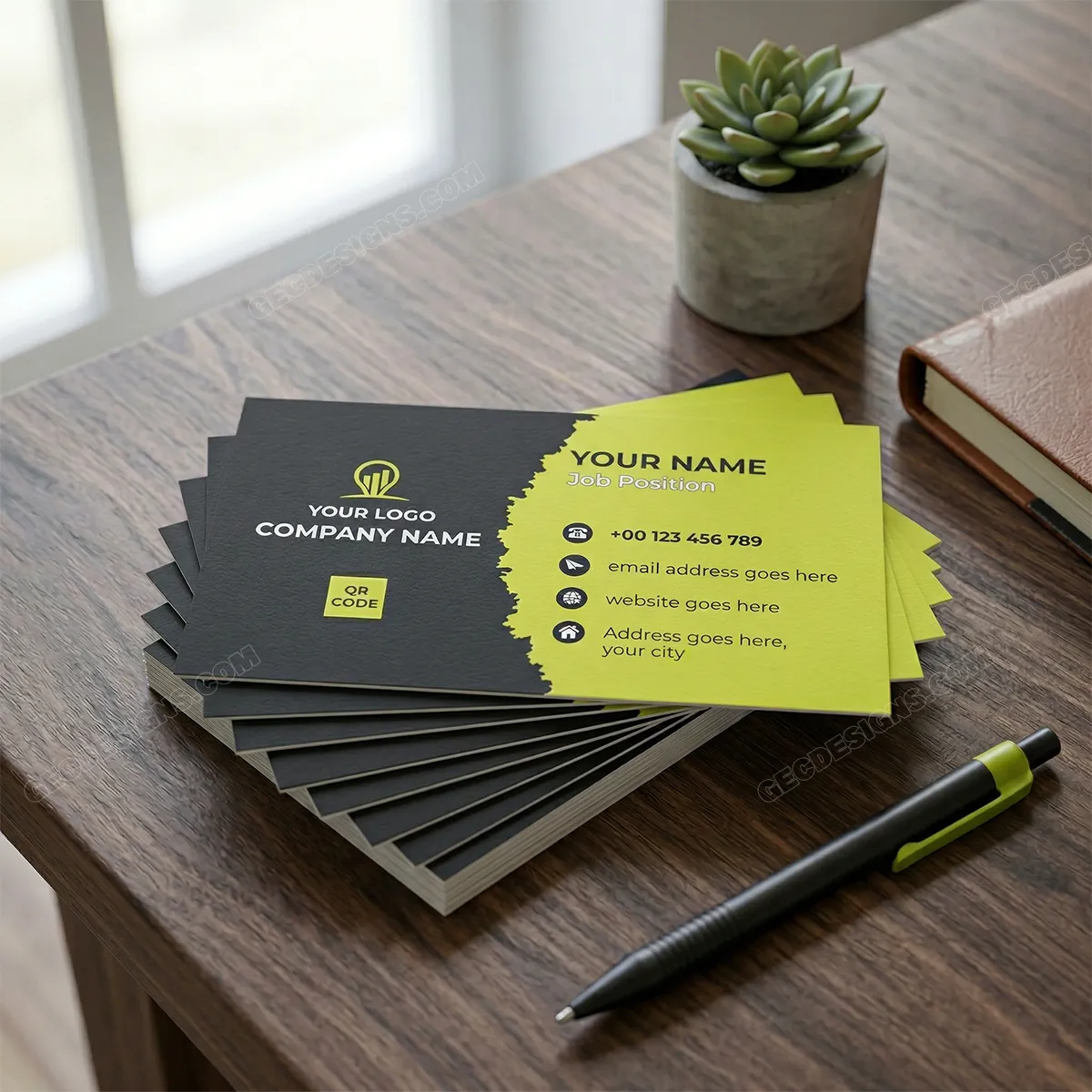
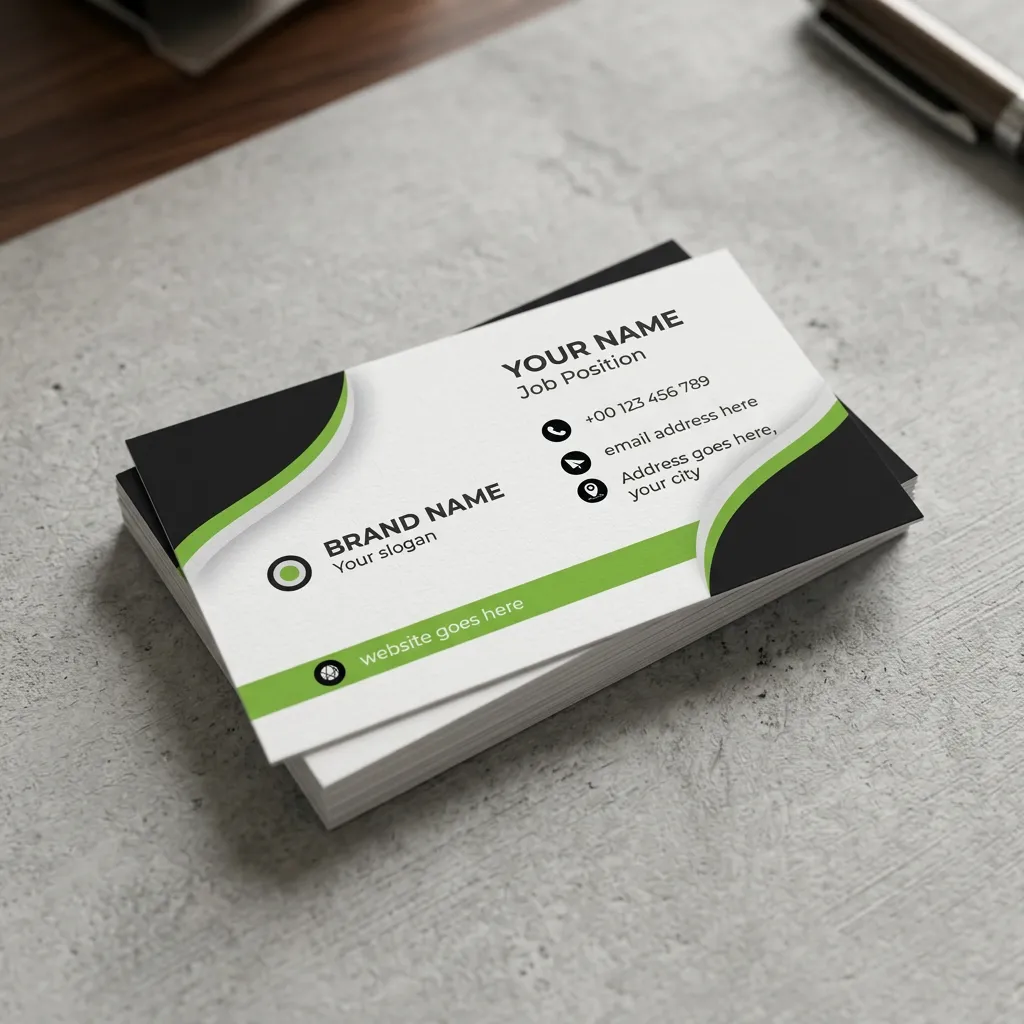
Beauty and salon business card templates should feel stylish, clean, and easy to remember. These designs use black, white, and fresh green accents to create a modern look that feels professional without becoming too heavy. The QR code space in the first template is also useful for linking directly to a booking page, Instagram profile, service menu, or WhatsApp chat.
The second template has a softer flowing layout with curved shapes, which gives the card a more friendly and welcoming feel. This type of design works well for beauty businesses because clients often look for trust, cleanliness, style, and easy communication before booking a service.
Best suited for: beauty salons, makeup artists, hair stylists, spa centers, skincare clinics, nail artists, wellness studios, personal care brands, and beauty consultants.
7. Photography Business Card Templates
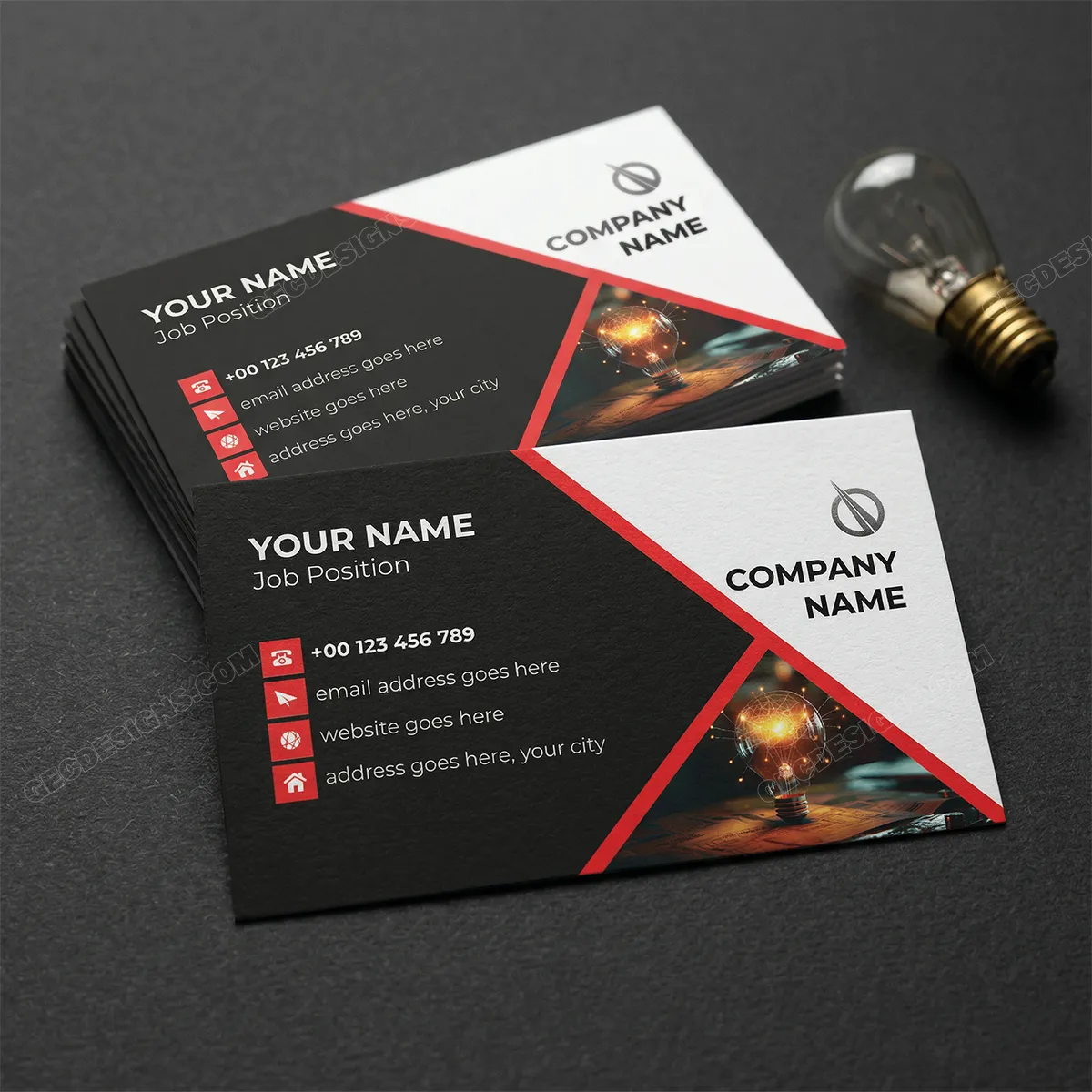
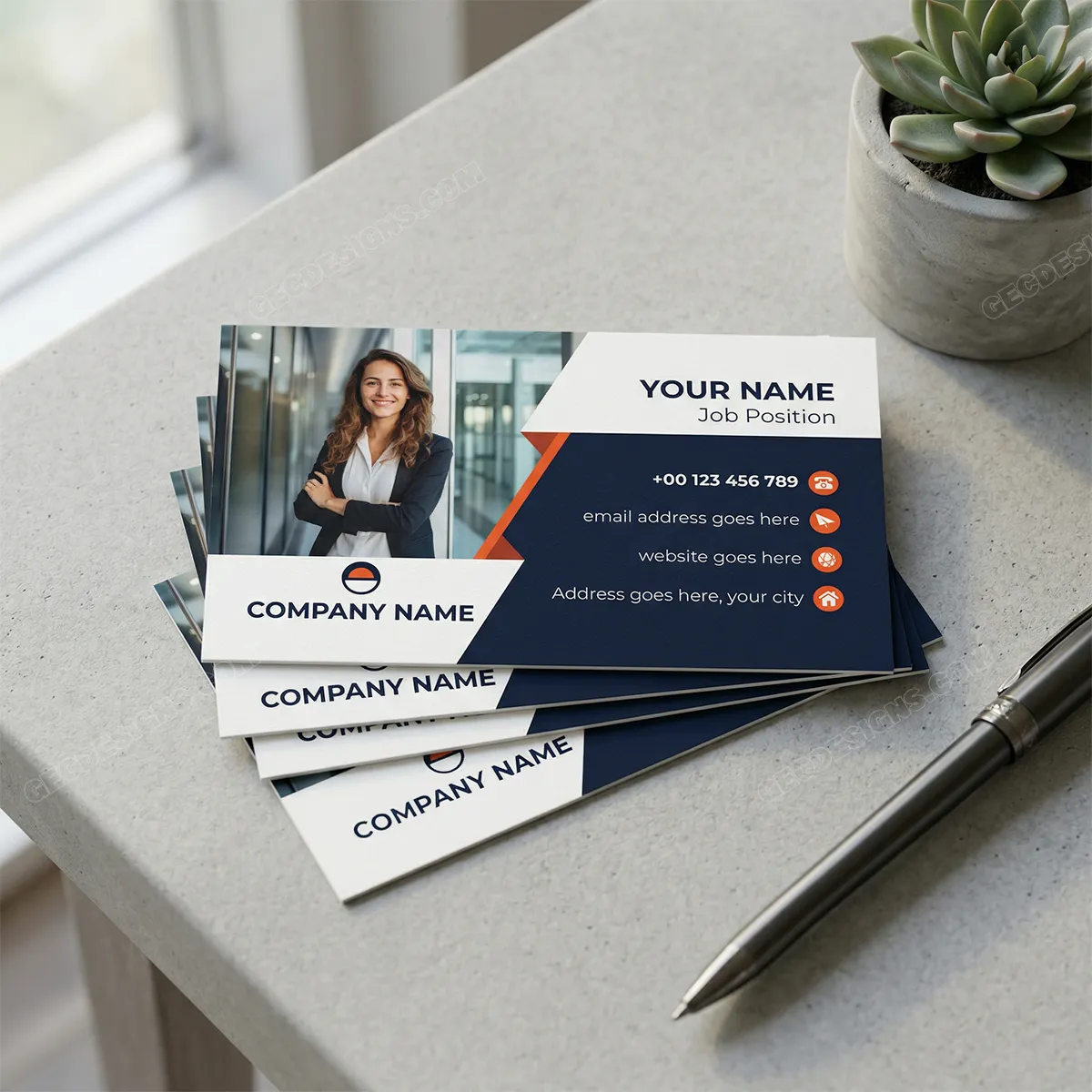
Photography business card templates should instantly show a sense of creativity, style, and visual confidence. These designs use image space, bold contrast, and sharp geometric layouts, making them useful for photographers who want their card to feel more like a mini portfolio than a simple contact card.
The first template has a dark and red creative layout with a visual highlight area, which works well for photographers who want a bold and artistic impression. The second template includes a professional photo section and a clean contact area, making it a strong choice for photographers who want to display their personal image, studio branding, or sample work clearly.
Best suited for: wedding photographers, portrait photographers, event photographers, studio owners, videographers, creative directors, photo editors, and visual content creators.
8. Restaurant and Café Business Card Templates
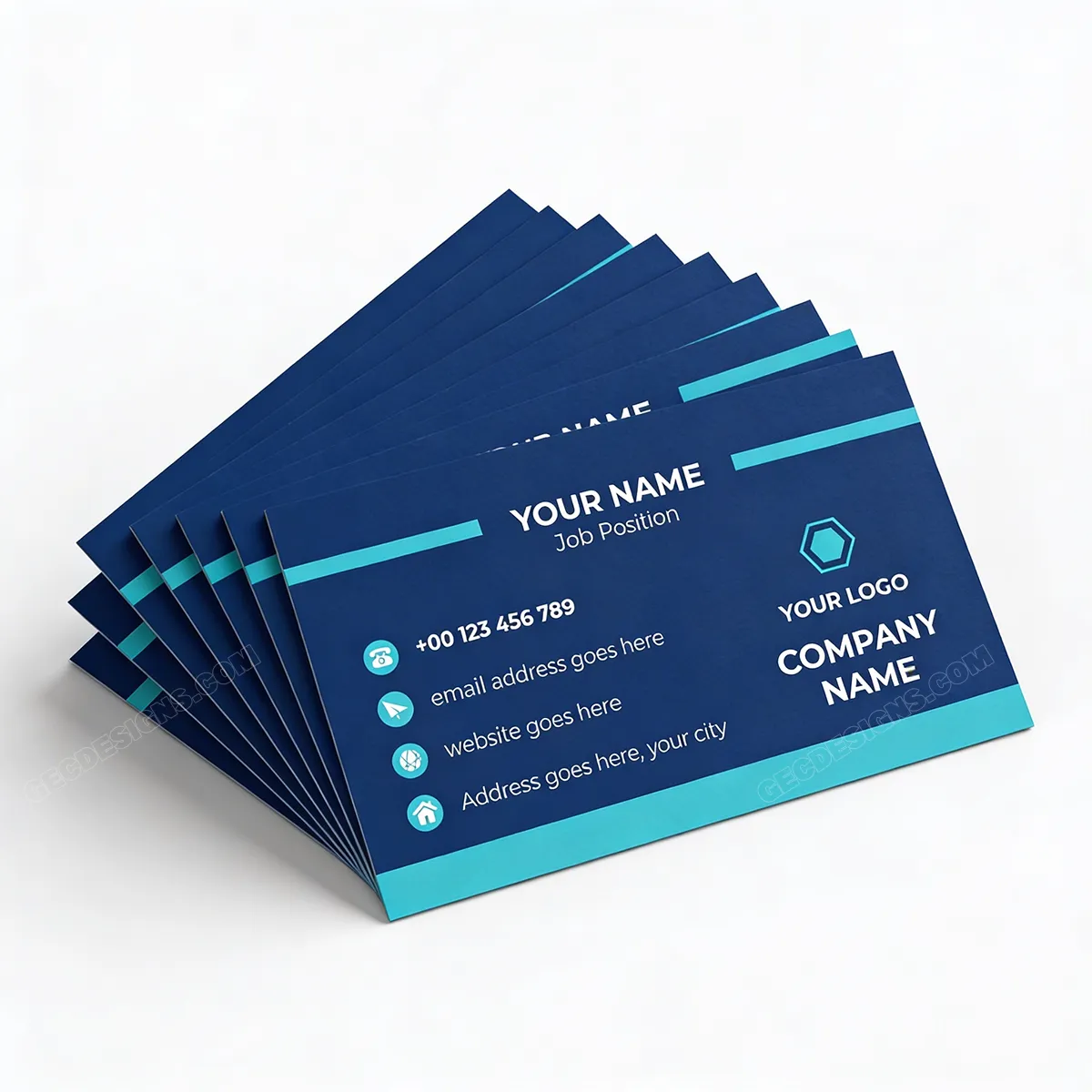
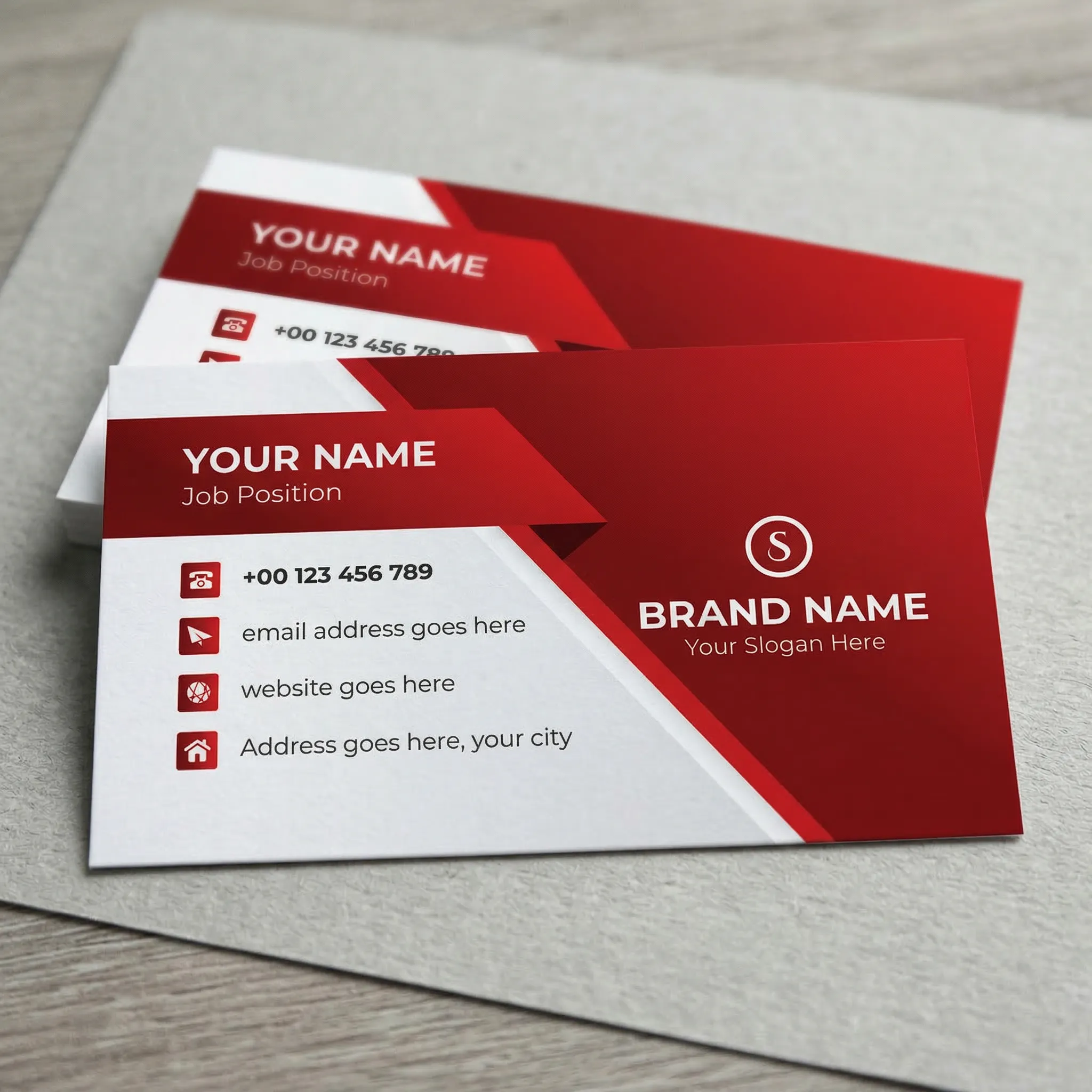
Restaurant and café business card templates should feel clean, friendly, and easy to remember, especially because food businesses often depend on repeat customers and local word-of-mouth. These designs use bold color sections, clear contact details, and strong brand placement, making them useful for cafés, restaurants, bakeries, food trucks, and cloud kitchens.
The first template has a deep blue and cyan layout that feels modern and neat, while the second template uses a bold red design that feels energetic and attention-grabbing. Both layouts give enough space for the brand name, logo, phone number, email, website, and address, which is helpful for food businesses that want customers to quickly find or contact them.
Best suited for: restaurants, cafés, bakeries, cloud kitchens, food trucks, chefs, catering services, dessert brands, and local food businesses.
9. Fitness and Wellness Business Card Templates
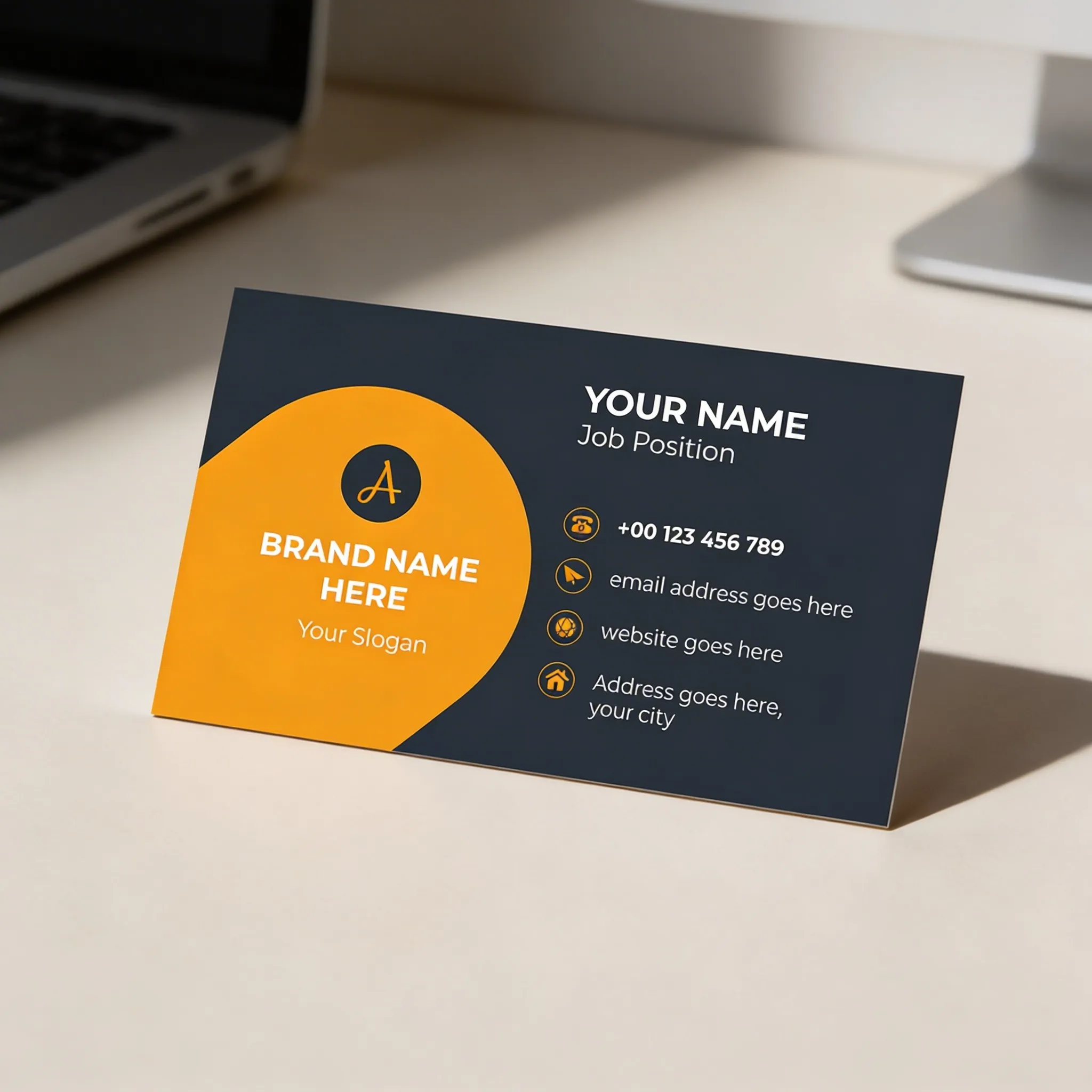
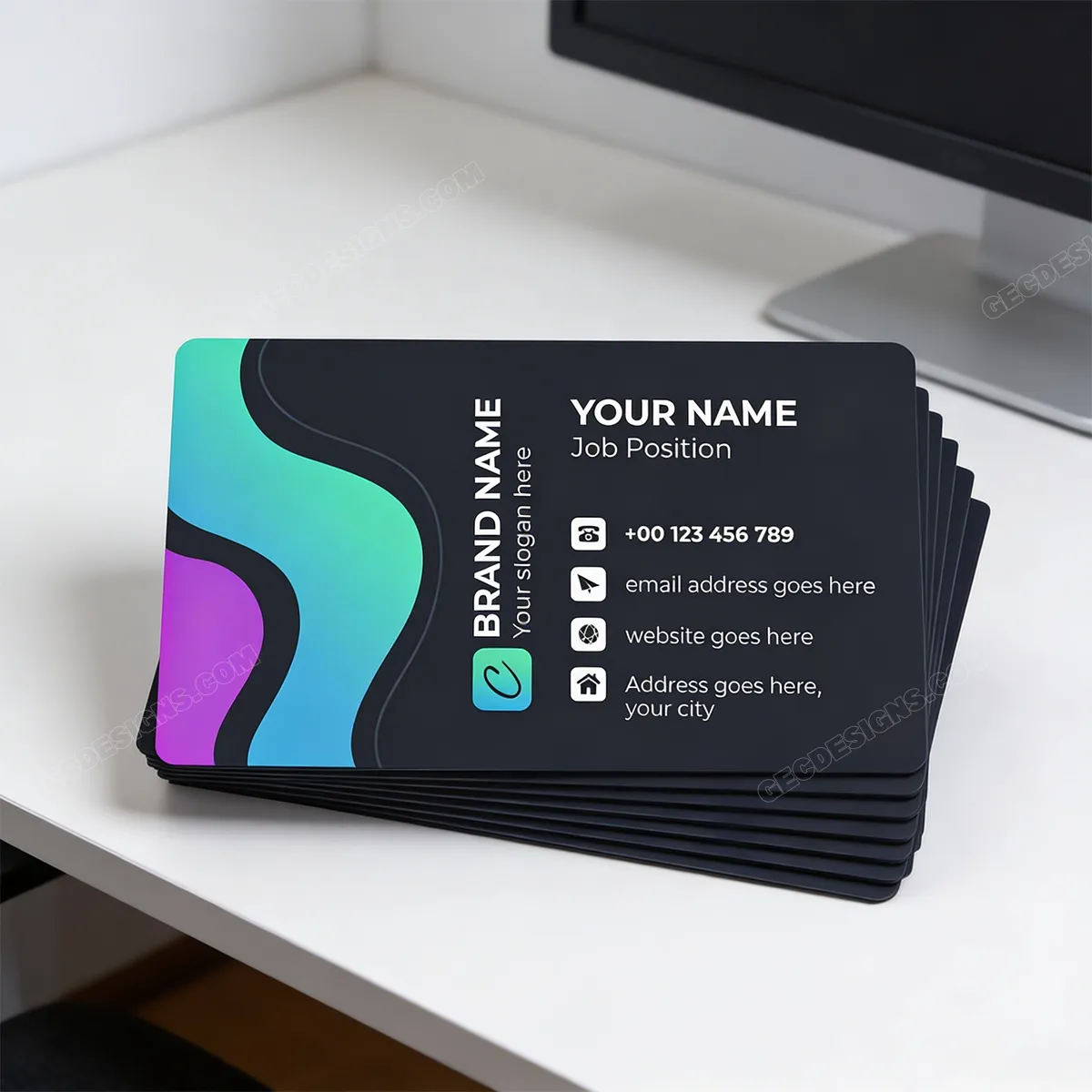
Fitness and wellness business card templates should feel active, fresh, and motivating. These designs use bold, dark backgrounds with bright accent colors, giving the card a strong and energetic look while still keeping the contact details clean and easy to read.
The first template has a confident yellow-and-dark layout that feels powerful and focused, making it suitable for fitness professionals who want a bold brand image. The second template uses flowing colorful shapes with a modern layout, which works well for wellness brands that want to feel more friendly, balanced, and approachable.
Best suited for: fitness trainers, gym owners, yoga instructors, wellness coaches, nutritionists, personal trainers, health consultants, and lifestyle brands.
10. Technology and Startup Business Card Templates
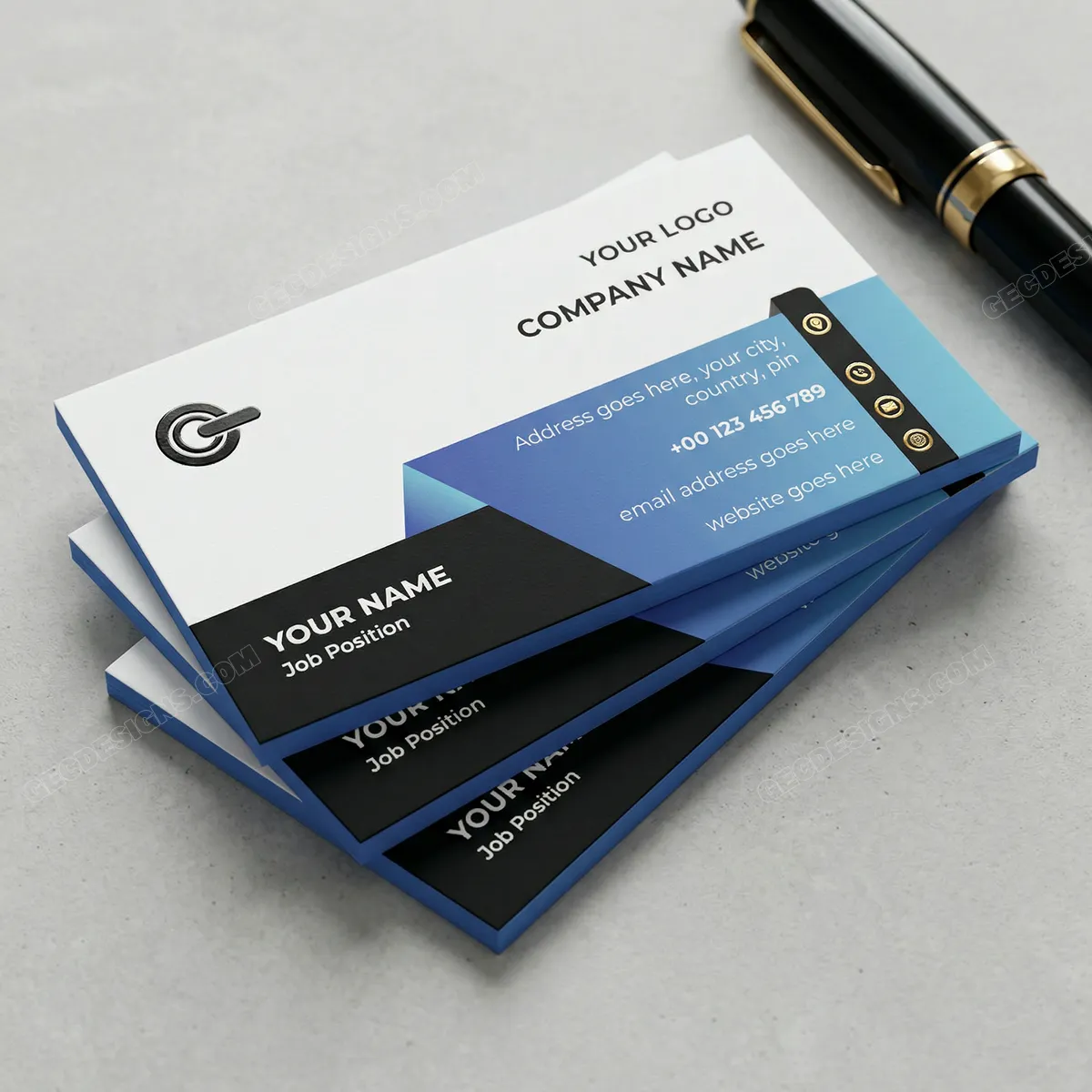
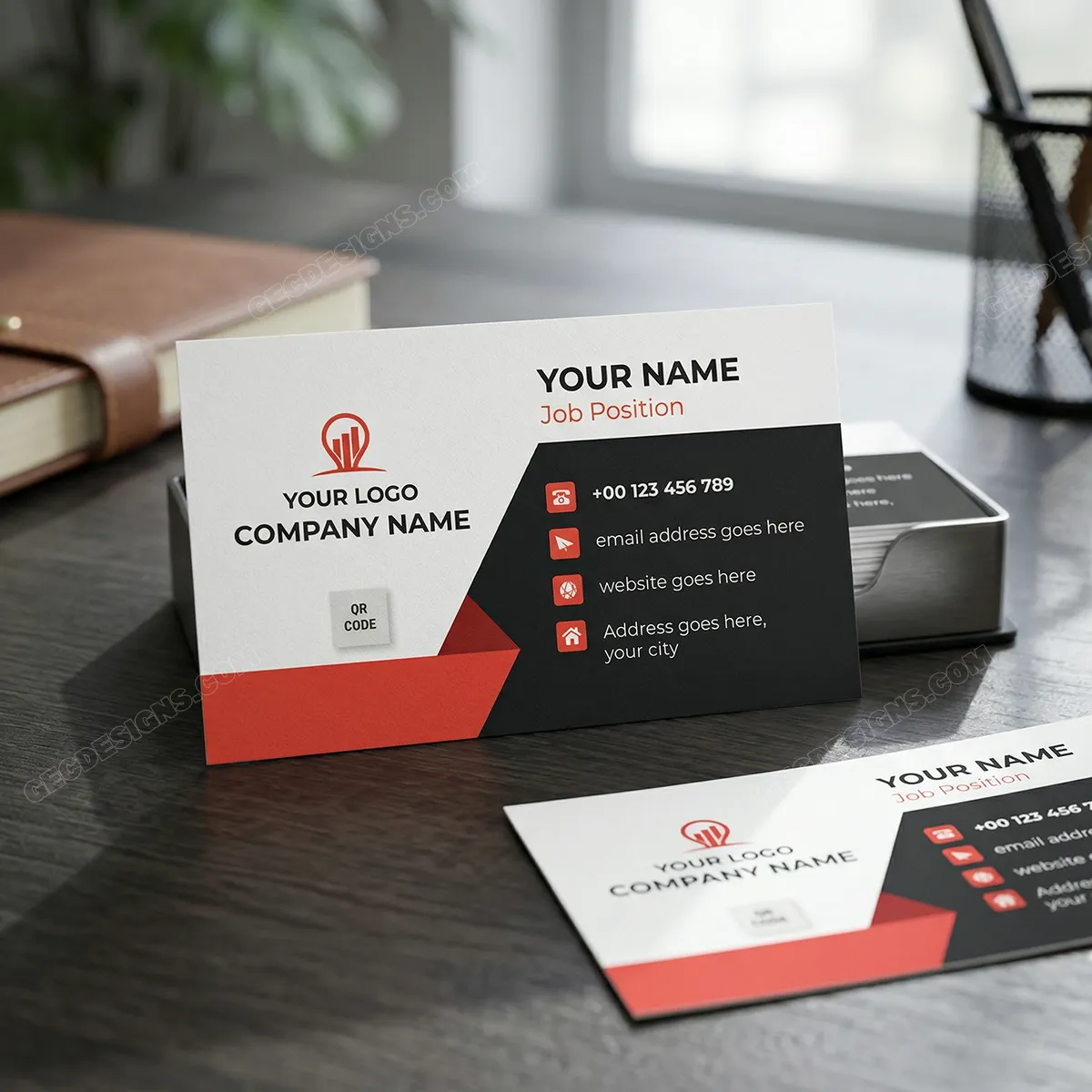
Technology and startup business card templates should feel modern, sharp, and easy to understand. These designs use clean white space, bold dark sections, geometric shapes, and strong color accents, giving the card a smart and professional look that suits digital-first businesses.
The first template has a sleek blue gradient contact area with a clean company section, making it suitable for tech brands that want a polished and innovative feel. The second template uses black, white, and red blocks with QR code space, which is helpful for startups that want to direct people to a website, app demo, portfolio, or product page.
Best suited for: startups, software companies, app developers, IT consultants, SaaS brands, digital agencies, web designers, product teams, and tech service providers.
11. Personal Brand Business Card Templates
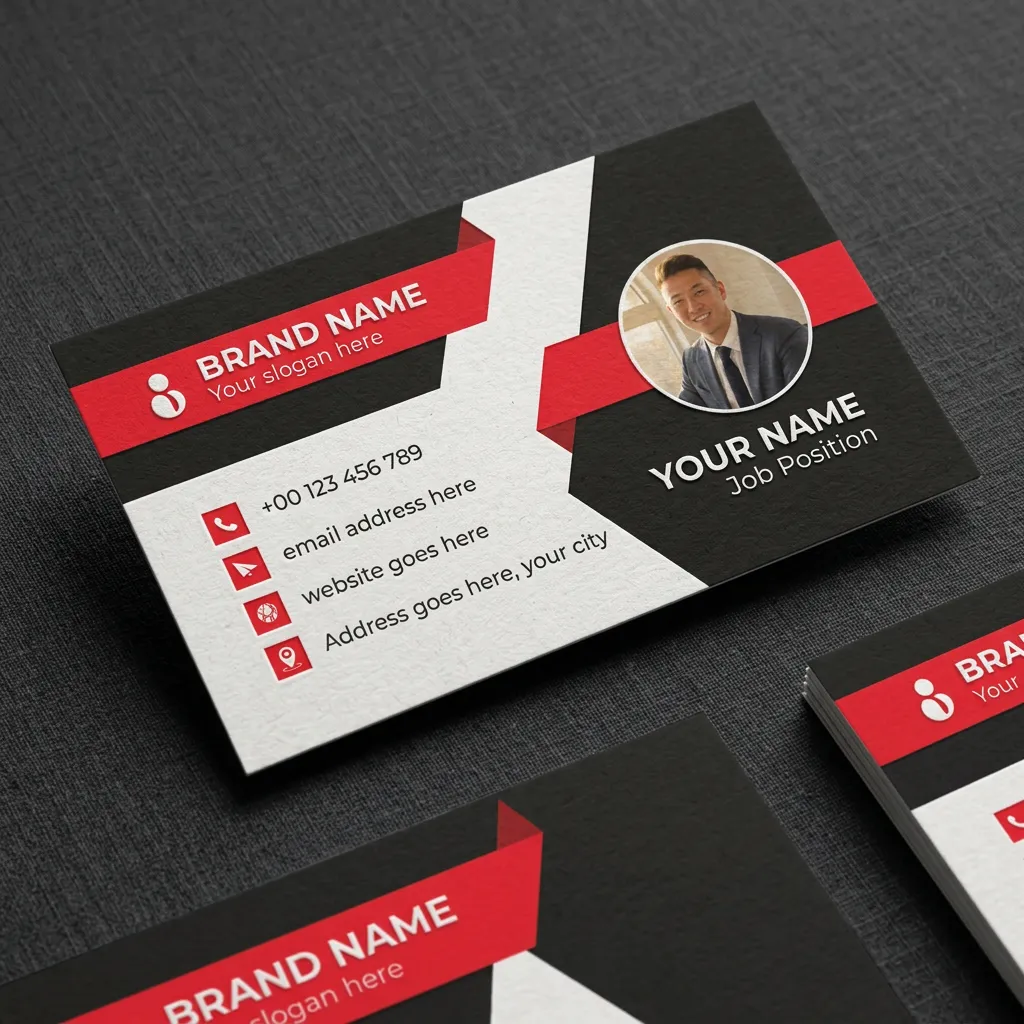
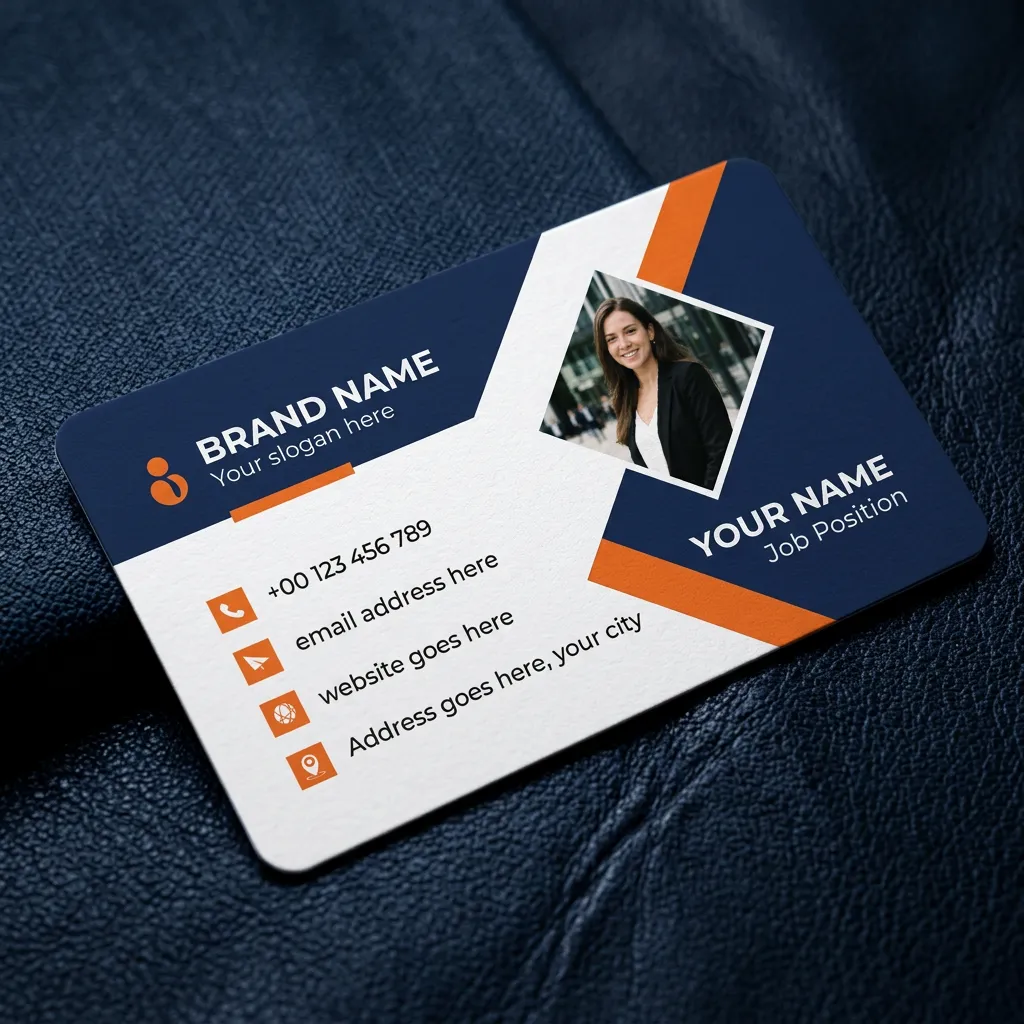
Personal brand business card templates should help people remember both your face and your expertise. These designs include profile photo space, bold brand colors, and clean contact sections, making them useful for professionals who are building trust around their own name, service, or public presence.
The first template uses a strong black, white, and red layout with a circular profile image, giving it a confident and modern feel. The second template uses a blue and orange layout with a diamond-shaped photo area, which creates a more polished and approachable look for personal branding.
Best suited for: coaches, consultants, speakers, influencers, real estate agents, trainers, authors, freelancers, personal brand creators, and client-facing professionals.
12. Black and Gold Business Card Templates
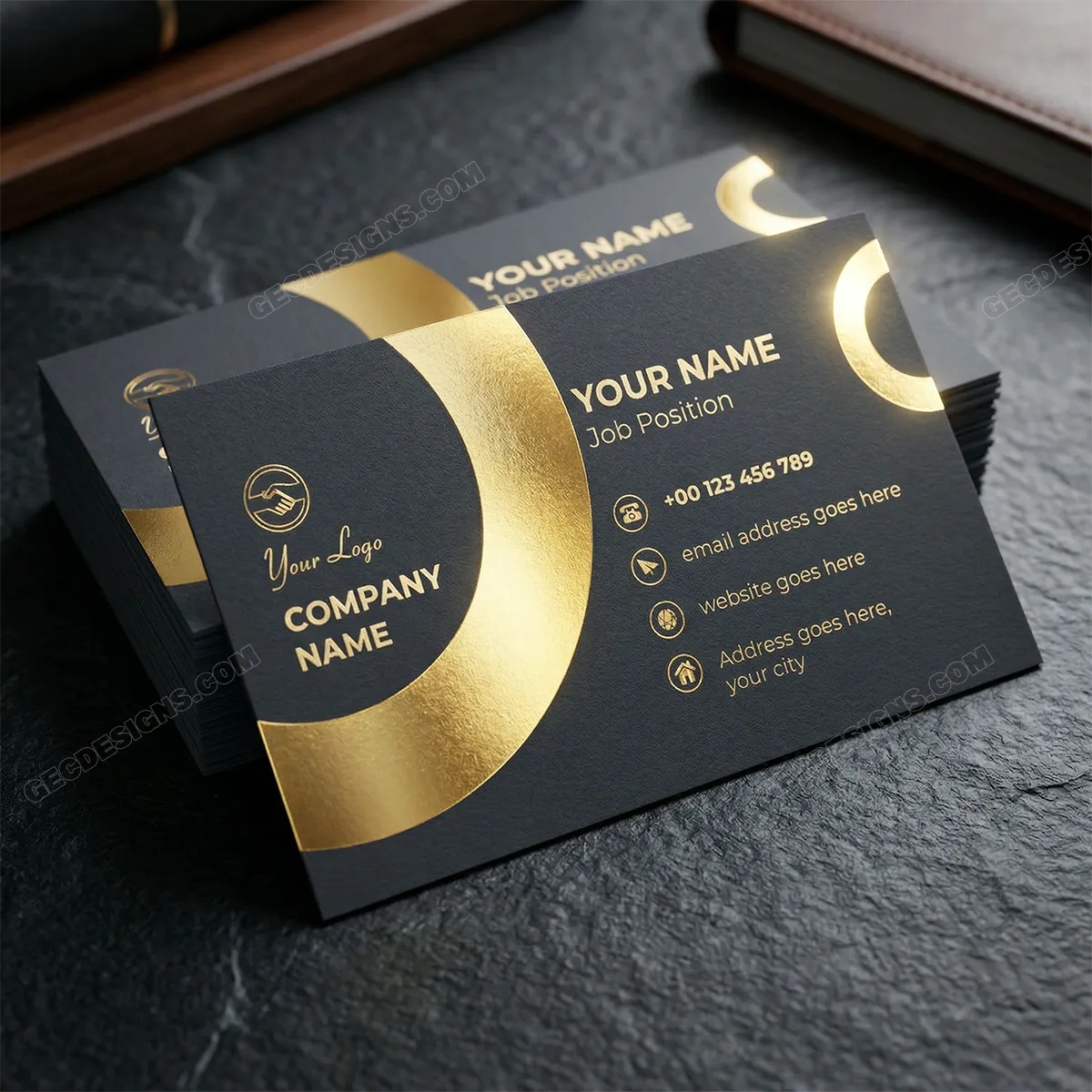
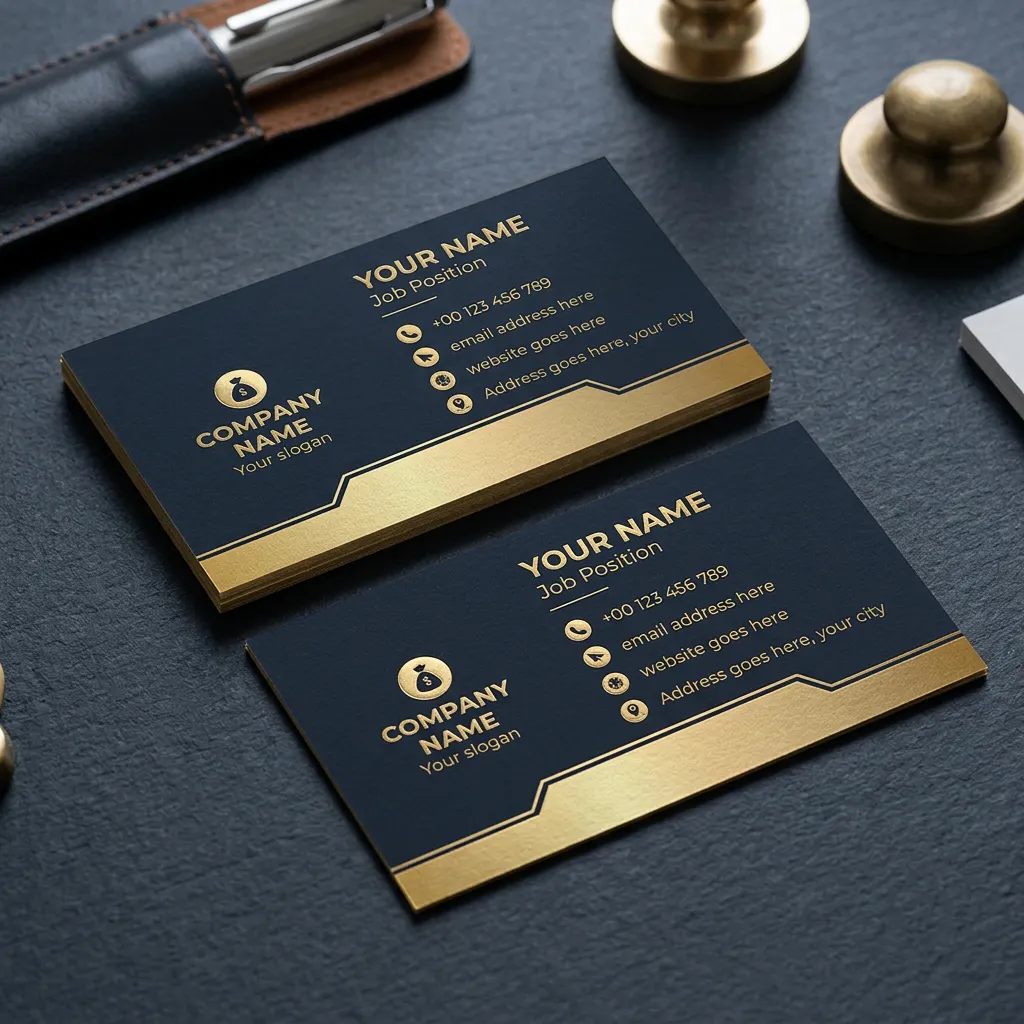
Black and gold business card templates are perfect when you want your brand to feel elegant, premium, and high-value. These designs use a dark background with gold accents, which creates a strong luxury impression while keeping the contact details clean and readable.
The first template uses large circular gold shapes for a bold and modern luxury look, while the second template has a more classic black-and-gold layout with fine lines and structured spacing. Both designs work well for businesses that want to look more exclusive, professional, and memorable at first glance.
Best suited for: luxury brands, premium consultants, real estate agents, finance advisors, jewelry brands, fashion businesses, event planners, interior designers, and high-end service providers.
13. Colorful Business Card Templates
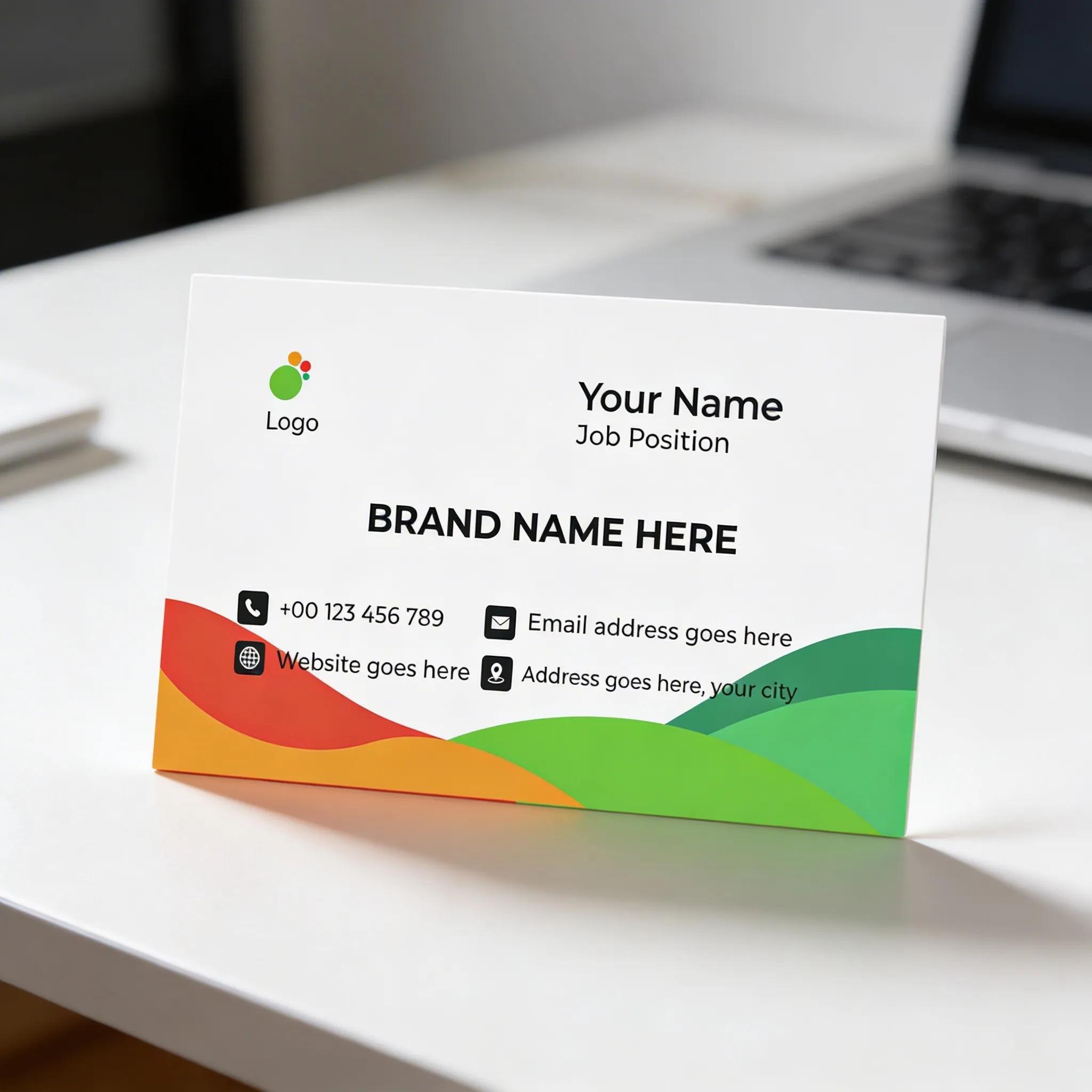
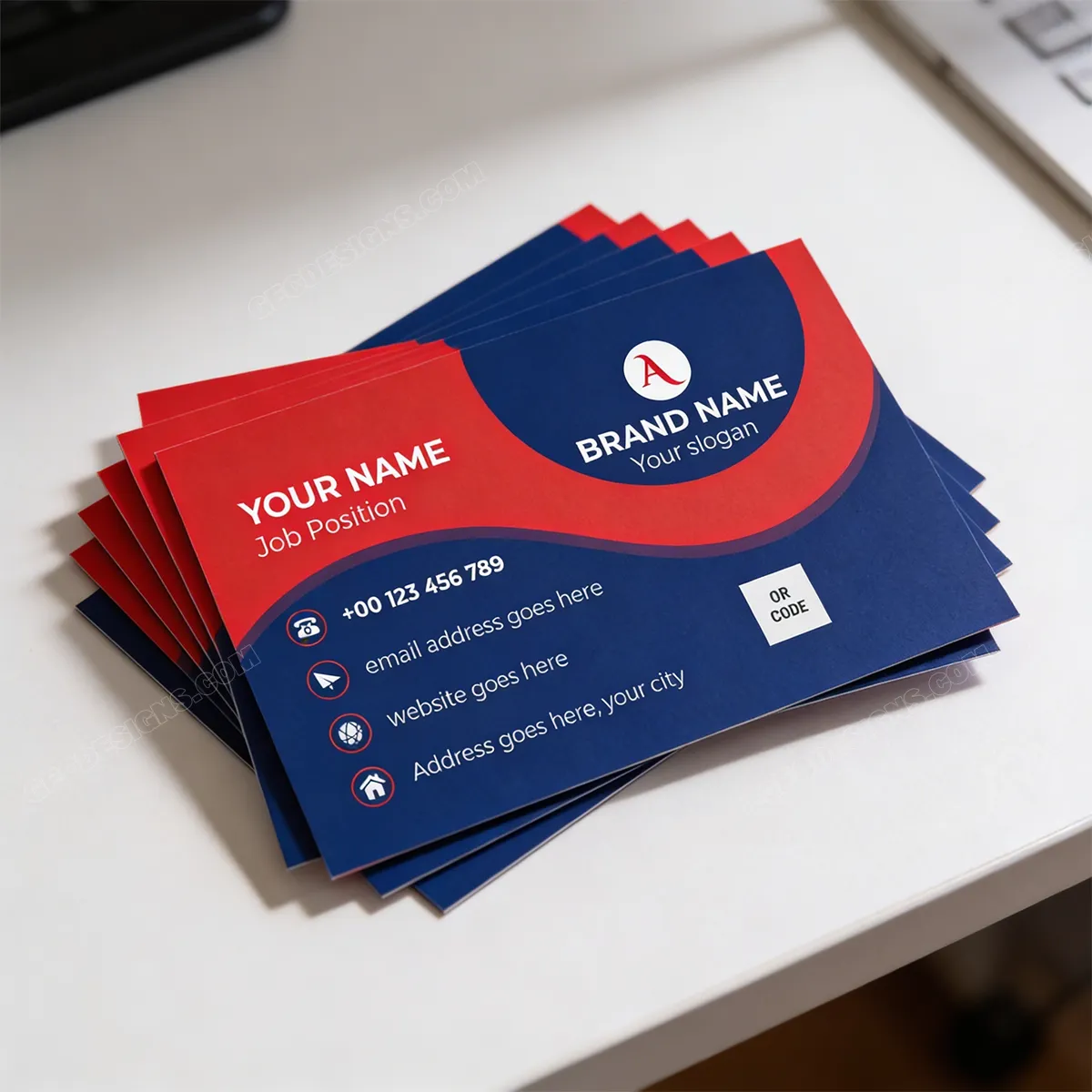
Colorful business card templates are great for brands that want to look friendly, creative, and easy to notice. These designs use bright curves, bold color blocks, and playful shapes while still keeping the name, logo, and contact details clear, so the card feels energetic without becoming confusing.
The first template has a soft white layout with warm and fresh color waves, giving it a cheerful and approachable feel. The second template uses stronger red and blue shapes with QR code space, making it a good choice for brands that want a bold, modern, and memorable business card.
Best suited for: creative studios, children’s brands, cafés, lifestyle businesses, event planners, educators, designers, marketing agencies, and modern small businesses.
14. Vertical Business Card Templates
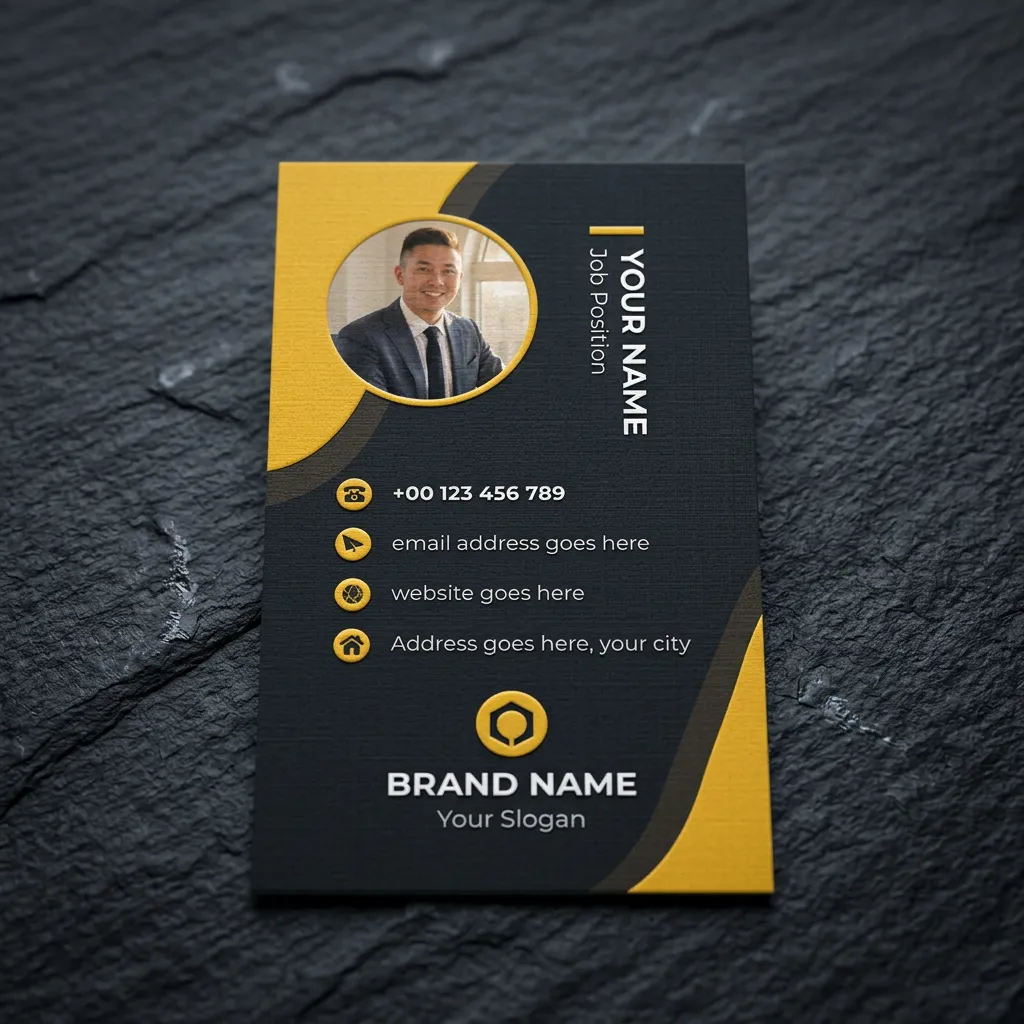
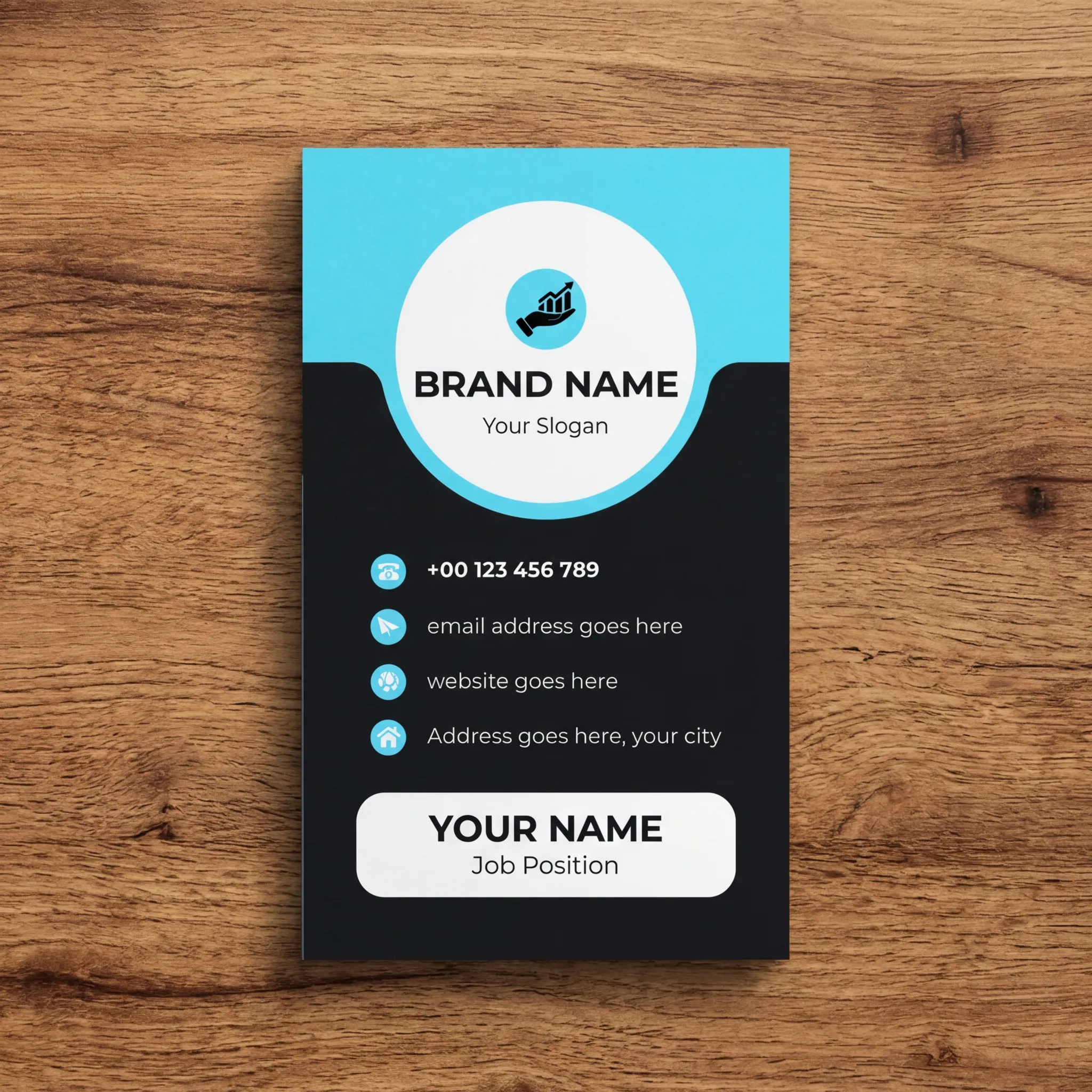
Vertical business card templates are a great choice when you want your card to feel more modern, stylish, and different from the usual horizontal layout. These designs use a tall format, bold color sections, clean icon placement, and strong brand areas, making the card feel fresh and easy to notice.
The first template uses a black-and-yellow design with a profile image area, giving it a confident personal brand look. The second template has a blue, black, and white layout with rounded corners, which creates a clean and modern feel for professionals who want their card to stand out in a simple way.
Best suited for: personal brands, consultants, creative professionals, startup founders, coaches, designers, real estate agents, photographers, and modern service providers.
15. QR Code Business Card Templates
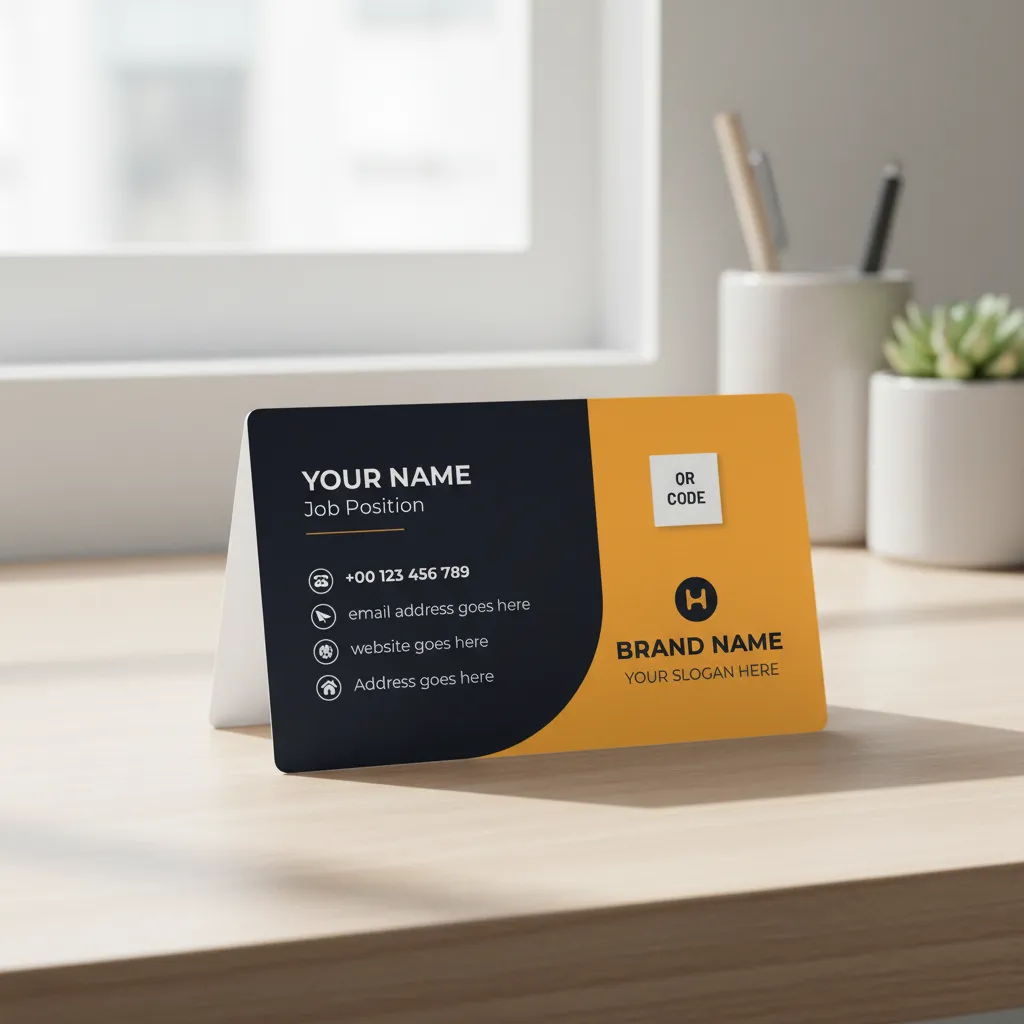
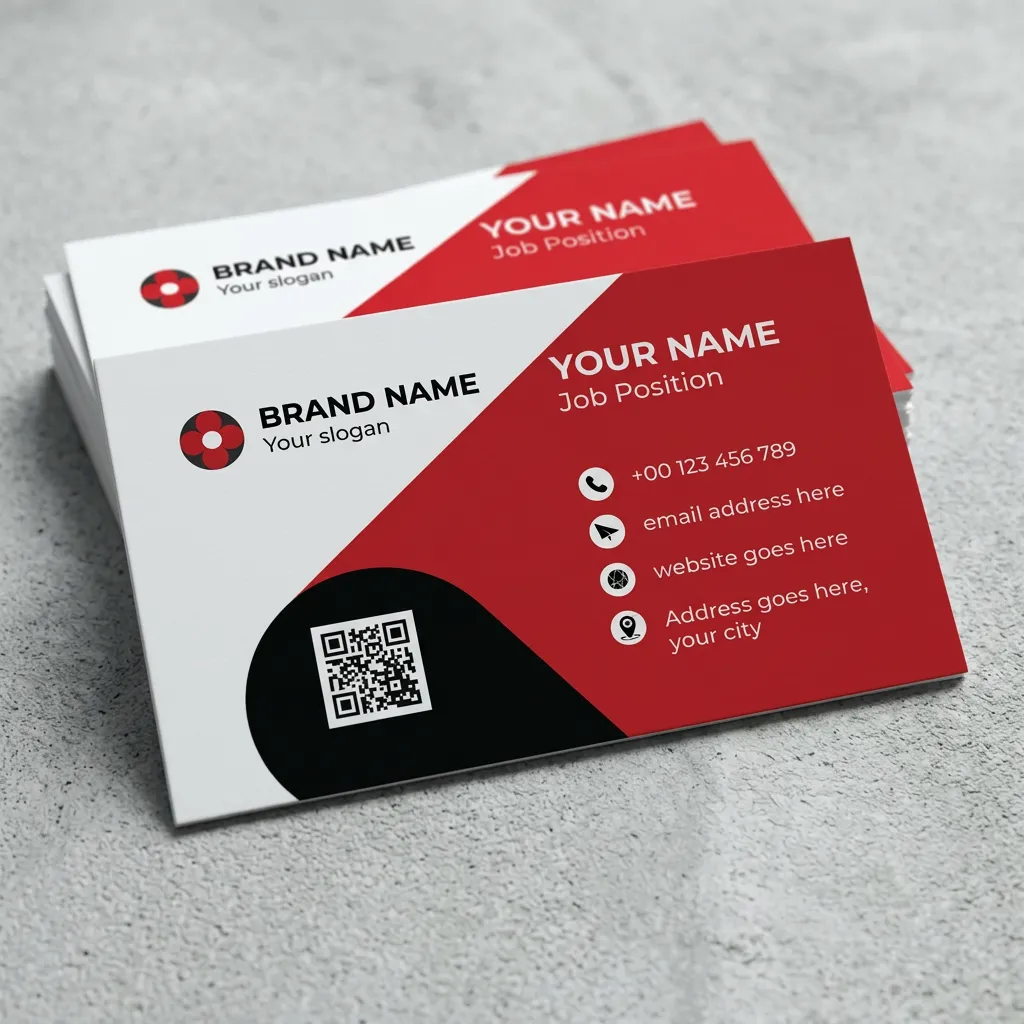
QR code business card templates are useful when you want your card to connect directly with your online presence. These designs include a clear QR code space, so you can guide people to your website, portfolio, WhatsApp chat, booking page, product catalog, Google Maps location, or social media profile without making the card overcrowded.
The first template uses a clean black-and-orange layout with a bold QR code area and strong brand section, giving it a modern and practical feel. The second template uses red, black, and white shapes to make the QR code area stand out clearly, which is helpful when you want people to scan and take action immediately.
Best suited for: digital businesses, freelancers, consultants, restaurants, salons, real estate agents, portfolio-based professionals, service providers, online stores, and brands that want to drive quick customer action.
All these templates are created to be editable, print-ready, and beginner-friendly. You can update the name, logo, phone number, email, website, colors, fonts, and other details based on your business. The designs also come with proper spacing, safe margins, and professional layout structure, so you do not have to build everything from scratch.
Before downloading a template, think about the kind of impression you want to create. Do you want your business to feel modern, premium, creative, friendly, bold, or minimal? Once you are clear about that, choosing the right business card template becomes much easier.